Testimonials are one of the most reused content patterns on the web. In this tutorial, we'll build a complete testimonial block with avatar, quote, author name, role, and a star rating field — in about 10 minutes.
What We're Building
- A text field for the quote
- An image field for the avatar
- Text fields for author name and role
- A custom star rating select field
- A PHP template that ties it all together
Step 1: Create the Block
Navigate to BF Blocks → Add New. Name the block 'Testimonial', set the category to 'Theme', and choose a quote icon from the Dashicons picker.
Step 2: Add Fields
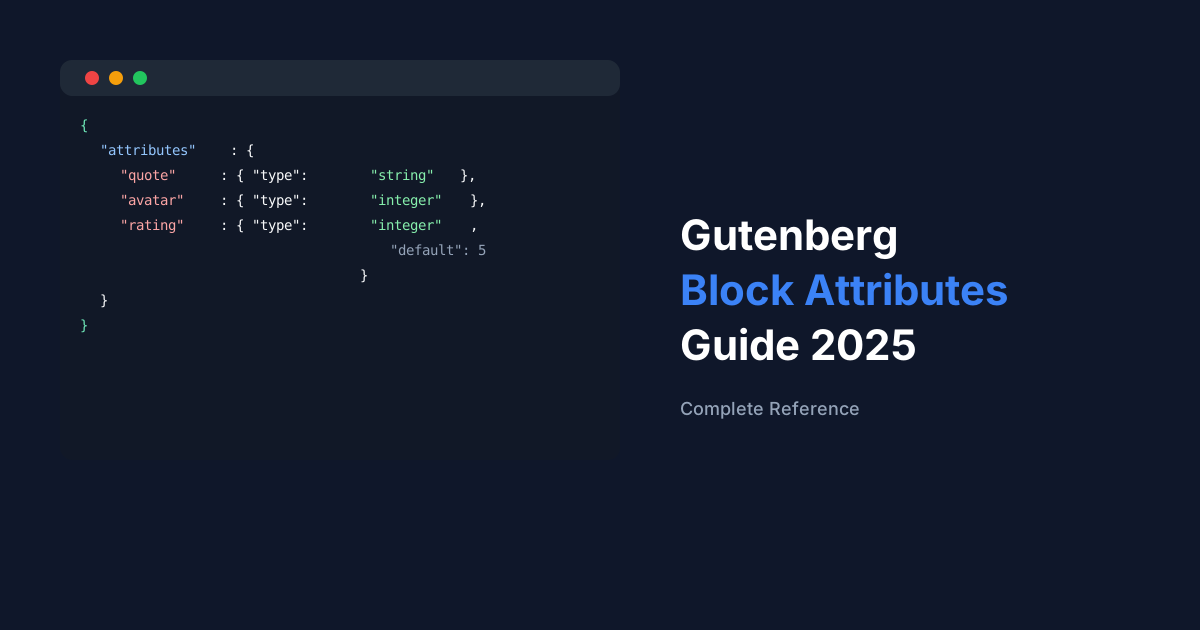
In the field builder, add the following fields in order: a Textarea field with key 'quote', an Image field with key 'avatar', a Text field with key 'author_name', a Text field with key 'author_role', and a Select field with key 'rating' and choices 1–5.
Tip
Group related fields using the divider field type to keep the inspector tidy for editors.
Step 3: Create the PHP Template
Create a file at your-theme/bf-blocks/testimonial.php. BF Blocks will automatically use this template instead of the default.
<?php
$quote  = $fields['quote']       ?? '';
$avatar = $fields['avatar']      ?? 0;
$author = $fields['author_name'] ?? '';
$role   = $fields['author_role'] ?? '';
$stars  = (int) ( $fields['rating'] ?? 5 );
?>
<figure class="testimonial">
  <?php if ( $avatar ) echo wp_get_attachment_image( $avatar, 'thumbnail' ); ?>
  <blockquote><p><?php echo wp_kses_post( $quote ); ?></p></blockquote>
  <figcaption>
    <strong><?php echo esc_html( $author ); ?></strong>
    <span><?php echo esc_html( $role ); ?></span>
    <div class="stars">
      <?php for ( $i = 1; $i <= 5; $i++ ) echo $i <= $stars ? '★' : '☆'; ?>
    </div>
  </figcaption>
</figure>
Step 4: Style the Block
Enqueue a stylesheet conditionally using the bf_blocks/before_render action hook, targeting just the 'testimonial' block slug so the CSS only loads on pages that use it.
That's It
Your testimonial block is now available in the Gutenberg inserter. Add it to any post or page, fill in the fields in the sidebar, and it renders using your custom template. Save it as a template in BF Blocks for instant reuse on future sites.