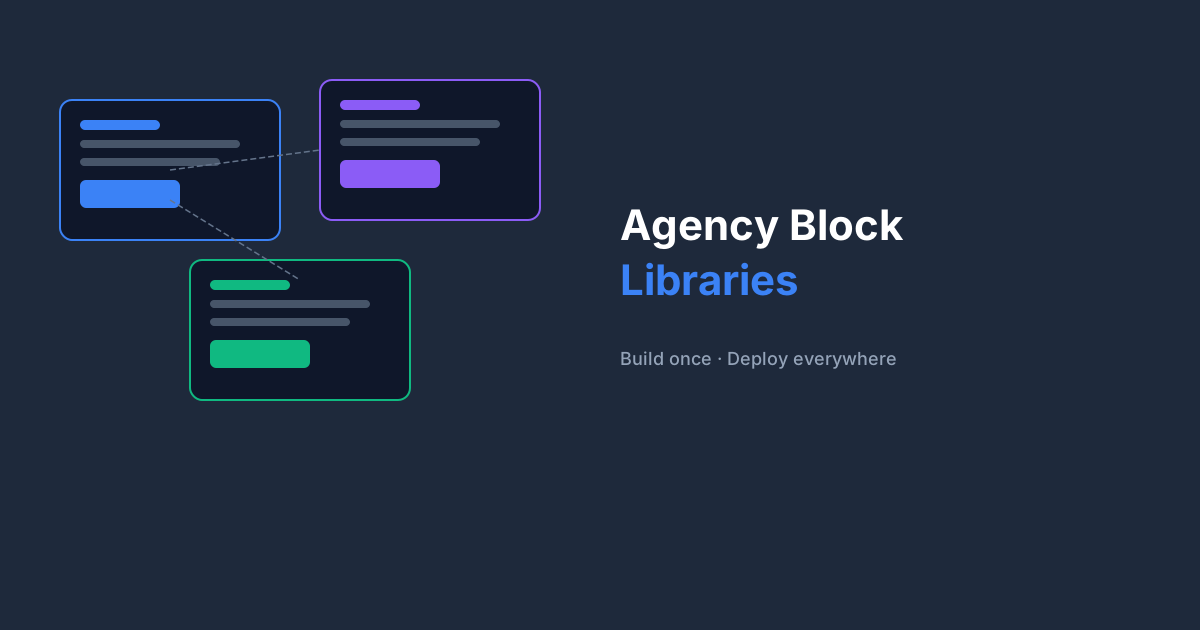
For agencies running 20–50 client sites, the before/after of adopting BF Blocks is stark. Before: every client site has bespoke, hand-coded blocks — inconsistent, hard to maintain. After: a shared block library exported from a master site, imported in minutes on every new project.
The Master Library Approach
The agencies seeing the biggest gains maintain a private 'block library' WordPress install — a staging site that never goes live. This is where all block building happens. Designers and developers build and refine blocks here, then export them for client projects.
Tip
Use a subdomain like blocks.youragency.com for your master library site. Give all developers access so the library grows collaboratively.
Scoping Blocks for Clients
Not every client needs every block. When starting a new project, export only the blocks relevant to that client's content needs. A blog + landing page site needs different blocks than an e-commerce brand with a product catalogue.
- Filter exports by category in the BF Blocks export screen
- Use block naming conventions (prefix by client type: 'blog-', 'ecom-', etc.)
- Document which blocks each client actively uses in a project README
The Numbers
Agencies report cutting block setup time from 4–6 hours per new site (building from scratch) to 15–20 minutes (import + customise). Over 20 sites a year, that's weeks of developer time redirected to higher-value work.
Getting Started
Start with your five most-used block patterns. Build them in BF Blocks, export them, and use them on your next three projects unchanged. Once you see the workflow, the library grows naturally.