BF Blocks ships with 18 built-in field types that cover the vast majority of content needs. But occasionally you need something custom — a colour picker wired to a design token system, a post selector filtered by taxonomy, or a star rating control. That's where the field type registry comes in.
The bf_blocks/register_field_type Filter
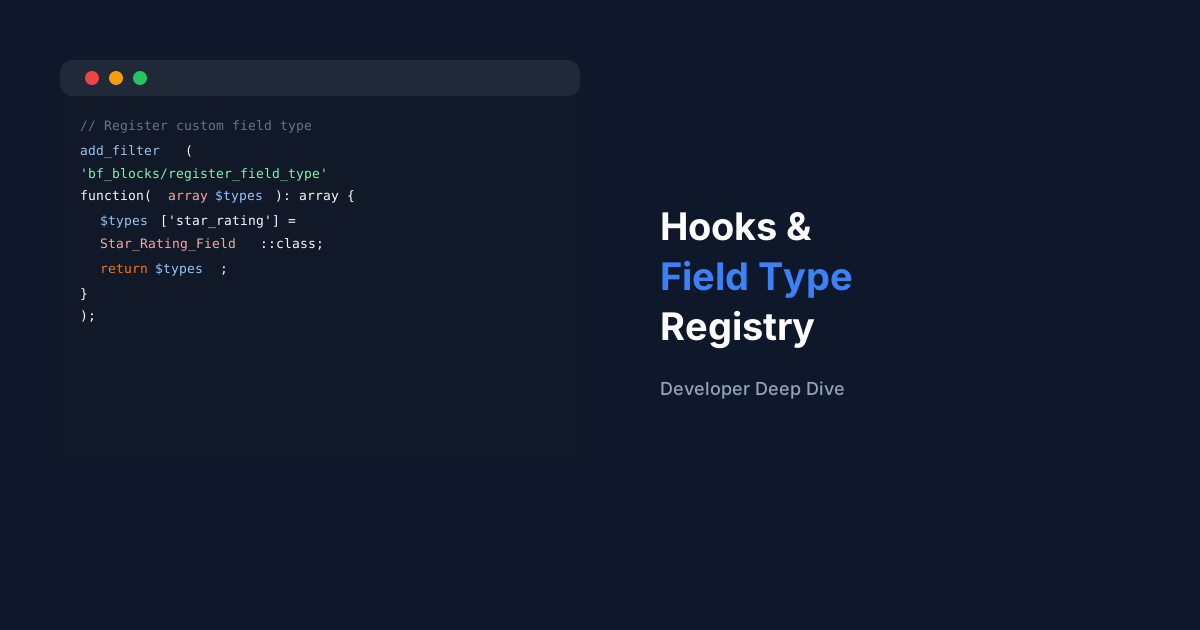
This filter receives an array of registered field types (key = type slug, value = class name) and expects you to return the array with your addition. Register it on the init hook at priority 20 or later.
add_filter(
  'bf_blocks/register_field_type',
  function( array $types ): array {
    $types['star_rating'] = Star_Rating_Field::class;
    return $types;
  }
);
Implementing BF_Field_Base
Your class must extend BF_Field_Base and implement three methods: render_editor() for the builder UI, render_field() for the Gutenberg inspector, and get_value() for sanitising the stored value.
class Star_Rating_Field extends BF_Field_Base {
  public static string $type = 'star_rating';

  public function render_editor( array $field ): void {
    // Settings shown in the BF Blocks builder sidebar
    echo '<label>Default stars</label>';
    printf(
      '<input type="number" min="1" max="5" name="settings[default_value]" value="%d" />',
      esc_attr( $field['settings']['default_value'] ?? 5 )
    );
  }

  public function render_field( array $field, mixed $value ): void {
    // Control shown in the Gutenberg block inspector
    printf(
      '<select name="%s">',
      esc_attr( $field['key'] )
    );
    for ( $i = 1; $i <= 5; $i++ ) {
      printf(
        '<option value="%d" %s>%d stars</option>',
        $i,
        selected( $value, $i, false ),
        $i
      );
    }
    echo '</select>';
  }

  public function get_value( mixed $raw, array $field ): int {
    return max( 1, min( 5, (int) $raw ) );
  }
}
Note
BF Blocks automatically discovers your field type as soon as it's registered. It appears in the 'Add Field' dropdown in the builder immediately — no cache flush needed.
Using Action Hooks
Beyond field types, BF Blocks provides action hooks for render lifecycle events. Use bf_blocks/before_render to enqueue block-specific assets, and bf_blocks/block_saved to trigger cache invalidation or sync operations when blocks are updated.